I really love my switch to linux. It’s not all sunshine and roses, i have some weird things that i can’t really fix. Some problems are “too hard” for me to fix and i don’t care enough. After installing Linux right after windows to dual boot, it’s so fucking nice to not have your computer trying to sell you shit all the time, and you don’t have to jump through hoops just to get you shit working.
Yeah I’ve had similar problems. I use a usb/kvm switch to switch multiple laptops and desktops on a single monitor/keyboard/mouse. There should be a conf file somewhere that lets you set what gets switched when a usb gets plugged/unplugged or when the computer sleeps. I’m on my phone at the moment so I can’t easily look it up right now.
Let me know if you figure out where that is. Hopefully I can change that on Bazzite. Maybe I should consider hopping to base Fedora to avoid the atomic distro complications
Looks like this was a long time ago. I was using pulse audio on Ubuntu. Which I guess is ancient now.
I had to edit /etc/pulse/default.pa
And edit things like load-modulemodule-switch-on-connect which dealt with USB connect event handling.
I don’t use bazzite, looks like that is a fedora based distro.
Which I guess now uses pipewire/wireplumber. (And I guess ubuntu does too now?)
I would suggest googling something like “pipewire session.suspend-timeout-seconds”
The biggest gripe for me is completely disabling MMB copy-paste functionality and instead enabling autoscroll everywhere. Couldn’t achieve this in CachyOS, except for the browsers and maybe a few Electron-based applications.
Holding MMB to scroll like a touch screen drag also breaks canvas panning on MMB in Krita, so I had to disable it.
Basically, MMB behavior in CachyOS is really unappealing to a Windows user, but it seems to be baked into the system.
I thought autoscroll needs to be supported by every single program separately. but I’m fairly sure you can disable MMB paste on KDE, so it should be possible for other DEs too


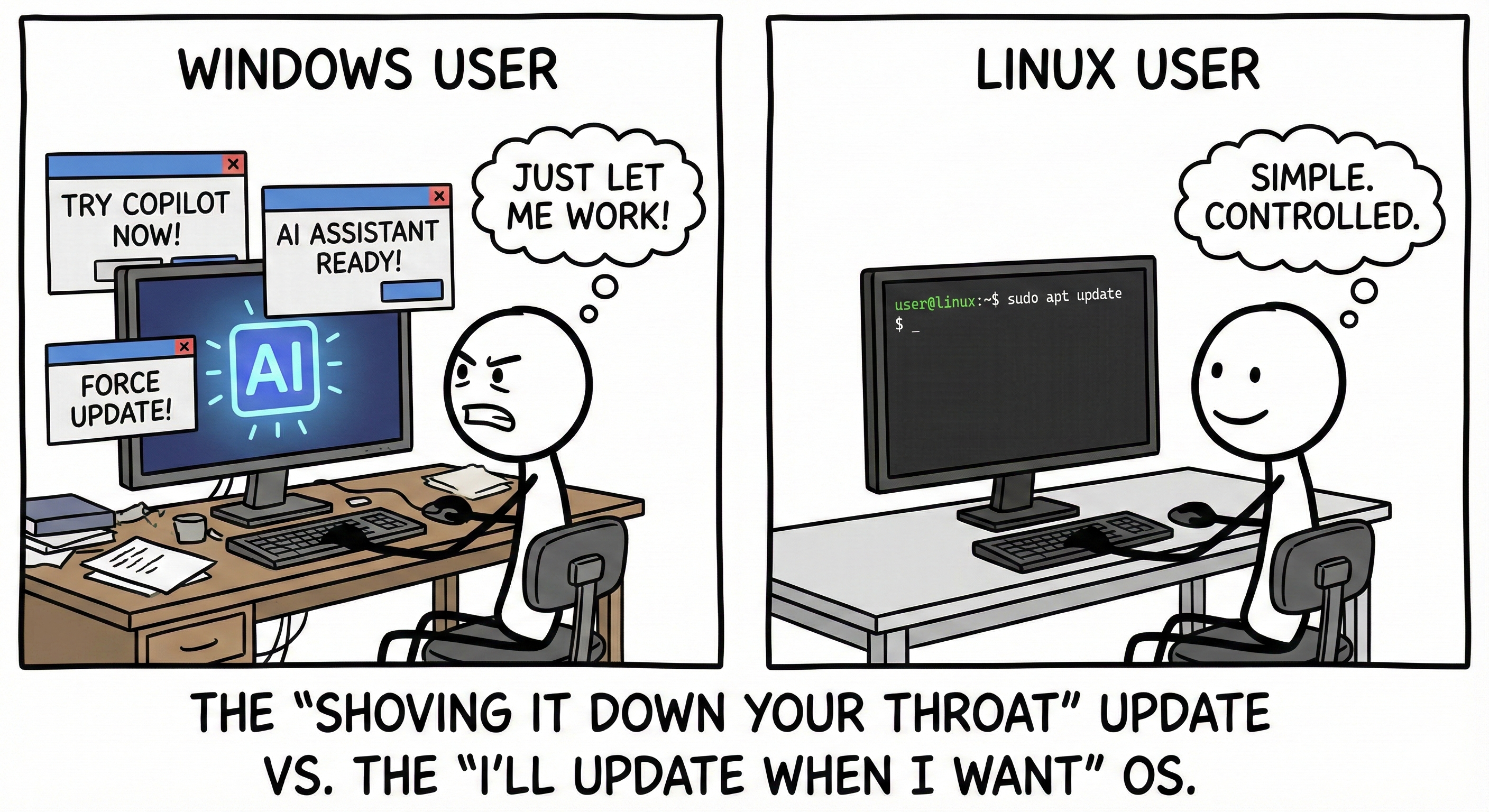
I really love my switch to linux. It’s not all sunshine and roses, i have some weird things that i can’t really fix. Some problems are “too hard” for me to fix and i don’t care enough. After installing Linux right after windows to dual boot, it’s so fucking nice to not have your computer trying to sell you shit all the time, and you don’t have to jump through hoops just to get you shit working.
What has been too hard to fix?
When my computer goes to sleep I no longer have audio when I resume using it. Unplugging and replugging my USB DAC is a workaround I’ve been using.
Yeah I’ve had similar problems. I use a usb/kvm switch to switch multiple laptops and desktops on a single monitor/keyboard/mouse. There should be a conf file somewhere that lets you set what gets switched when a usb gets plugged/unplugged or when the computer sleeps. I’m on my phone at the moment so I can’t easily look it up right now.
Let me know if you figure out where that is. Hopefully I can change that on Bazzite. Maybe I should consider hopping to base Fedora to avoid the atomic distro complications
Looks like this was a long time ago. I was using pulse audio on Ubuntu. Which I guess is ancient now. I had to edit /etc/pulse/default.pa And edit things like
load-module module-switch-on-connectwhich dealt with USB connect event handling.I don’t use bazzite, looks like that is a fedora based distro. Which I guess now uses pipewire/wireplumber. (And I guess ubuntu does too now?)
I would suggest googling something like “pipewire session.suspend-timeout-seconds”
You’ll find a bunch of similar issues:
https://discussion.fedoraproject.org/t/how-do-i-disable-audio-sink-suspend-on-idle-using-wireplumber-and-pipewire-on-fedora-35-so-that-my-audio-isnt-delayed-when-playback-resumes/69861
https://www.reddit.com/r/archlinux/comments/1cb1juo/i_cant_stop_pipewire_from_suspending_my_speakers/
This is for Mint, but I’m thinking this same “session.suspend-timeout-seconds” property is going to be what you are looking for.
https://www.lexo.ch/blog/2024/09/fix-audio-delays-and-missing-audio-notifications-in-ubuntu-and-linux-mint-disabling-pipewire-and-wireplumber-suspend/
It looks like setting that property to 0 might prevent suspend from stopping your audio.
If not, I think this gives you a pretty good idea of where to look for the config files:
/usr/share/wireplumberAnd from there, you can probably get a good idea of the various property names and what they do.
The biggest gripe for me is completely disabling MMB copy-paste functionality and instead enabling autoscroll everywhere. Couldn’t achieve this in CachyOS, except for the browsers and maybe a few Electron-based applications.
Holding MMB to scroll like a touch screen drag also breaks canvas panning on MMB in Krita, so I had to disable it.
Basically, MMB behavior in CachyOS is really unappealing to a Windows user, but it seems to be baked into the system.
I thought autoscroll needs to be supported by every single program separately. but I’m fairly sure you can disable MMB paste on KDE, so it should be possible for other DEs too
My laziness